From SketchUp to a realistic render in about a minute
The plugin uses your model's camera, scenes and materials. Pick the light and style and get an image ready to show your client, with no render engine to set up and no new graphics card.
Windows · SketchUp 2021 or newer · no credit card
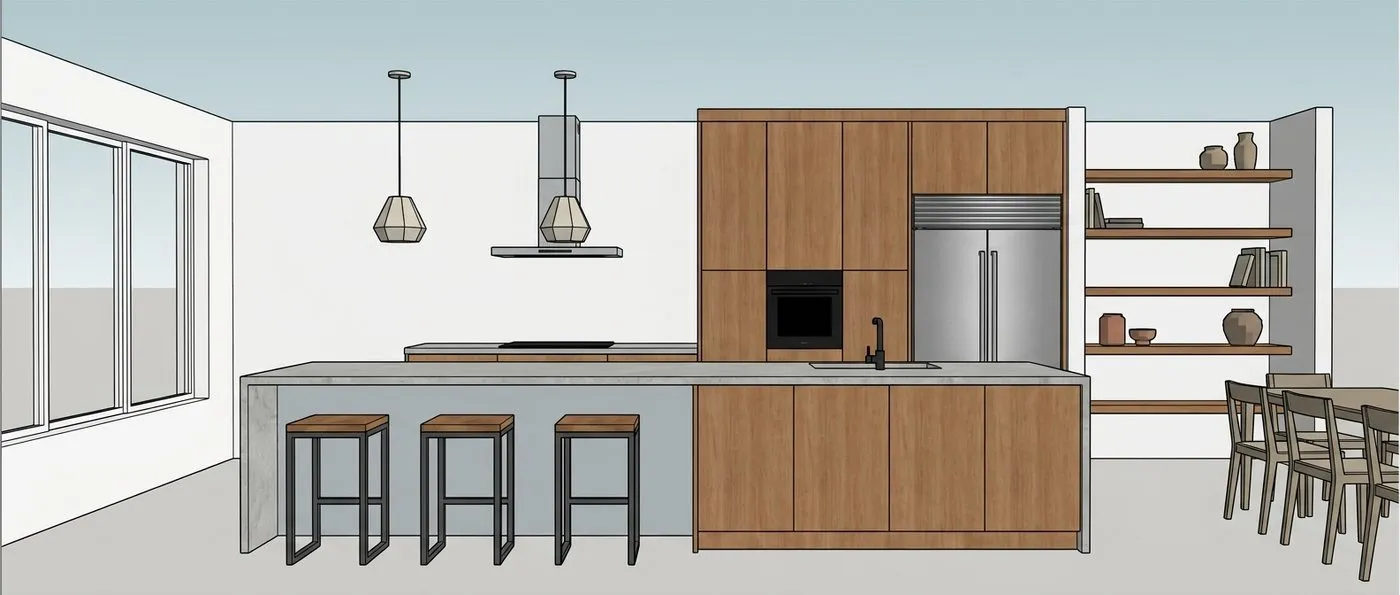
Three steps, without leaving SketchUp
- 1
Install the plugin
Download the .rbz file and install it from the Extension Manager. The renderiz button shows up in the SketchUp toolbar.
- 2
Pick scene, light and style
Use the current view or check several scenes at once. Interior or exterior, five times of day and ten ready-made styles.
- 3
Adjust and download
Ask for changes in plain text, like “light wood floor”, and compare versions. Everything is saved on your computer and in your gallery.
Two ways to use it, one account
SketchUp plugin
Recommended- The exact framing of your SketchUp screen
- Several scenes of the file at once
- Reads the model's materials to keep colors and finishes
In the browser
Upload a screenshot from any program: Revit, ArchiCAD, Lumion, Promob or SketchUp itself.
- The same light and style options as the plugin
- Text adjustments and version history
- Plugin and site renders in the same gallery
Ten ready-made styles, or true to your model
“True to the model” keeps the colors and finishes you set in SketchUp. Styles change the decor and keep the architecture.
- model materialsTrue to the modelKeeps colors and finishes
- MinimalistClean lines, few objects
- ScandinavianLight wood and soft tones
- Mid-centuryWalnut, curves and color
- IndustrialConcrete, metal and brick
- Wabi-sabiNatural textures, calm
- MediterraneanWhitewash, terracotta and blue
- Art decoGeometry, brass and velvet
- Contemporary luxuryMarble, metals and light
- BohoPlants, fibers and prints
- RusticReclaimed wood and linen
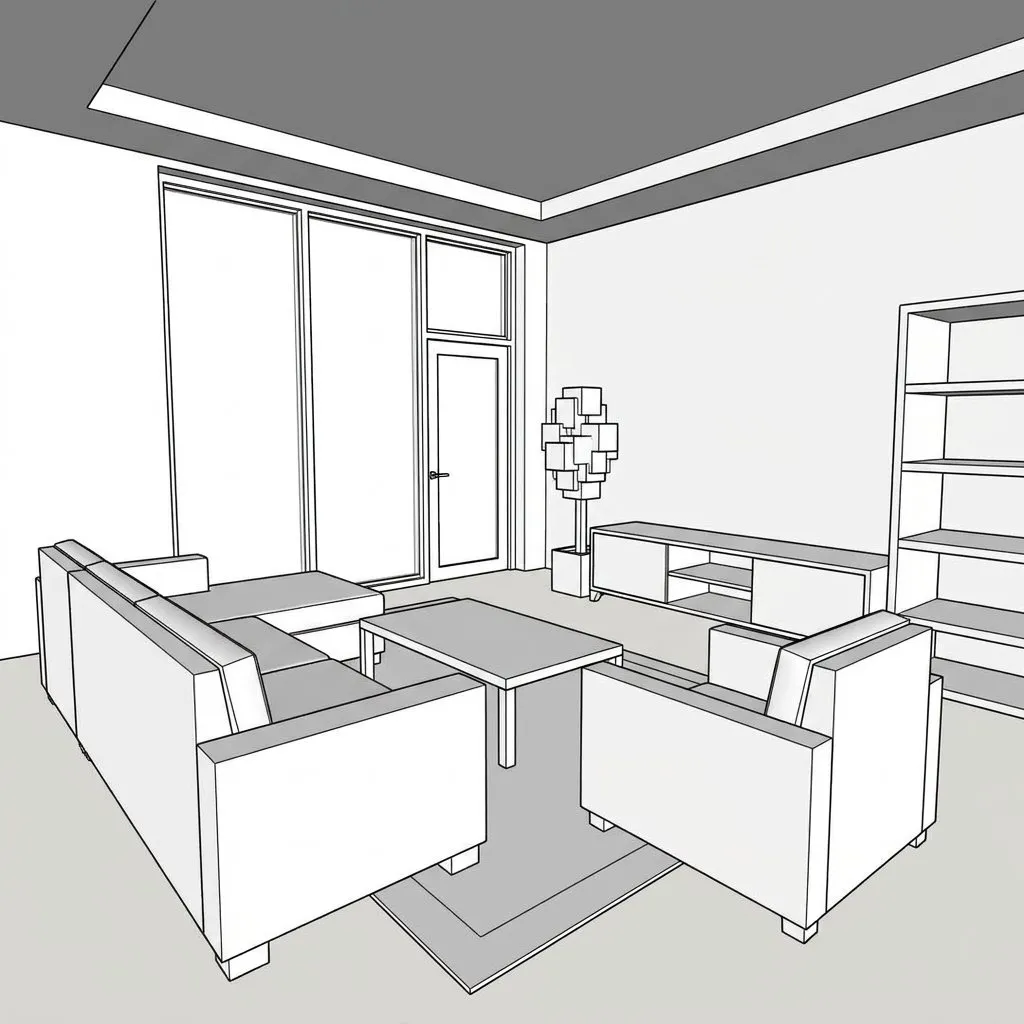
Works even with a simple model
Lines and volumes are enough: the AI fills in light, textures and furniture following the chosen style.

Pay only for what you use
Each credit is one high-quality image, and an adjustment also uses 1. Credits don't expire and work on the site and in the plugin. If the AI fails, the credit comes back.
Frequently asked questions
Make your first render today
3 free credits to try on your own project.